Browser extension

Proxy on in one click, and the exit IP to prove it

Paste proxies in whatever format your provider handed you, click Connect, and the popup shows the IP and country websites see. No password boxes. Per-site rules keep your bank off the proxy. For Chrome and Firefox.

Out now for Chrome and Firefox. The same install links also sit on the Apps & extensions page of your dashboard.
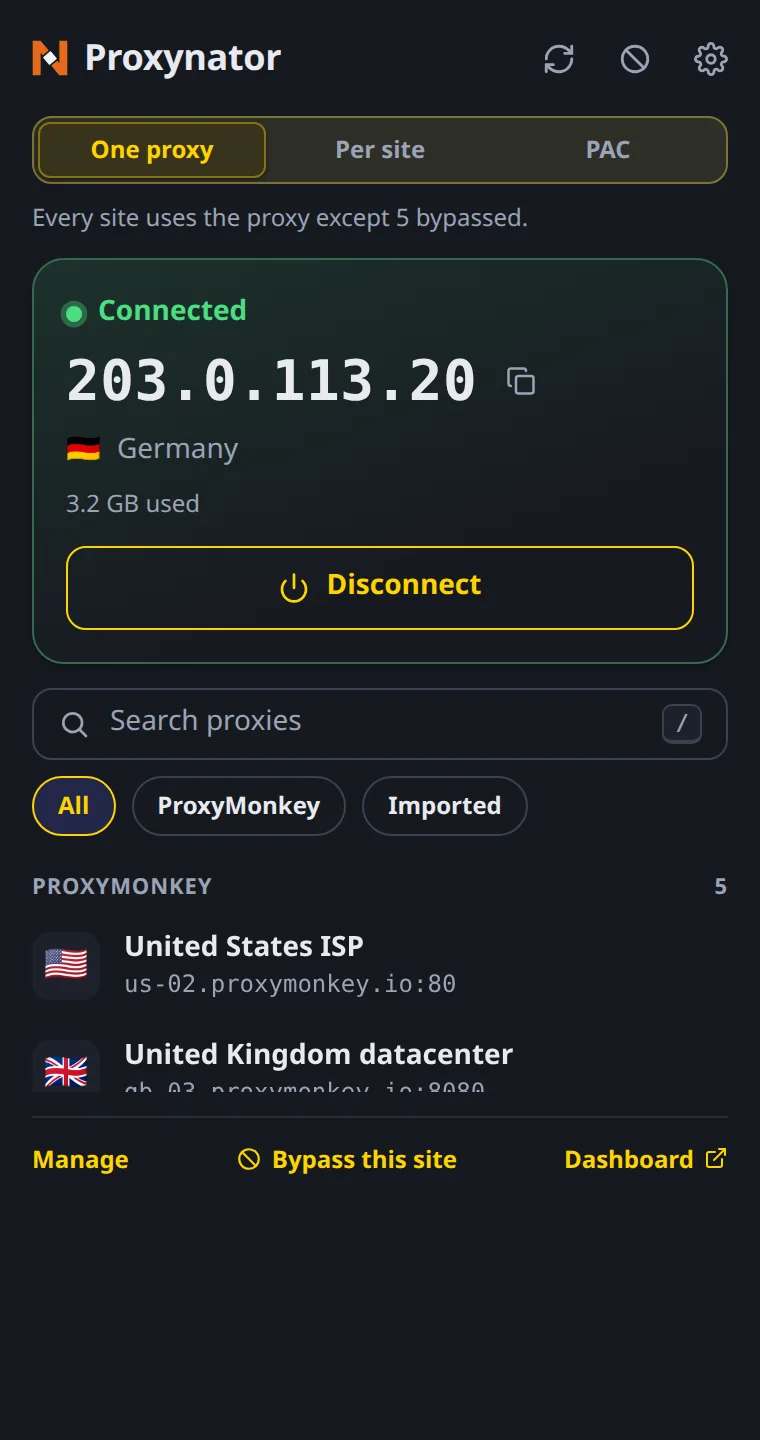
Extension popup while connected: exit IP 203.0.113.20 in large monospace, Germany, 3.2 GB used and a Disconnect button, with the routing switch set to One proxy and the proxy list below
Sample data shown
What it does

Paste, click, check. That is the whole job.

  • Paste it how it came

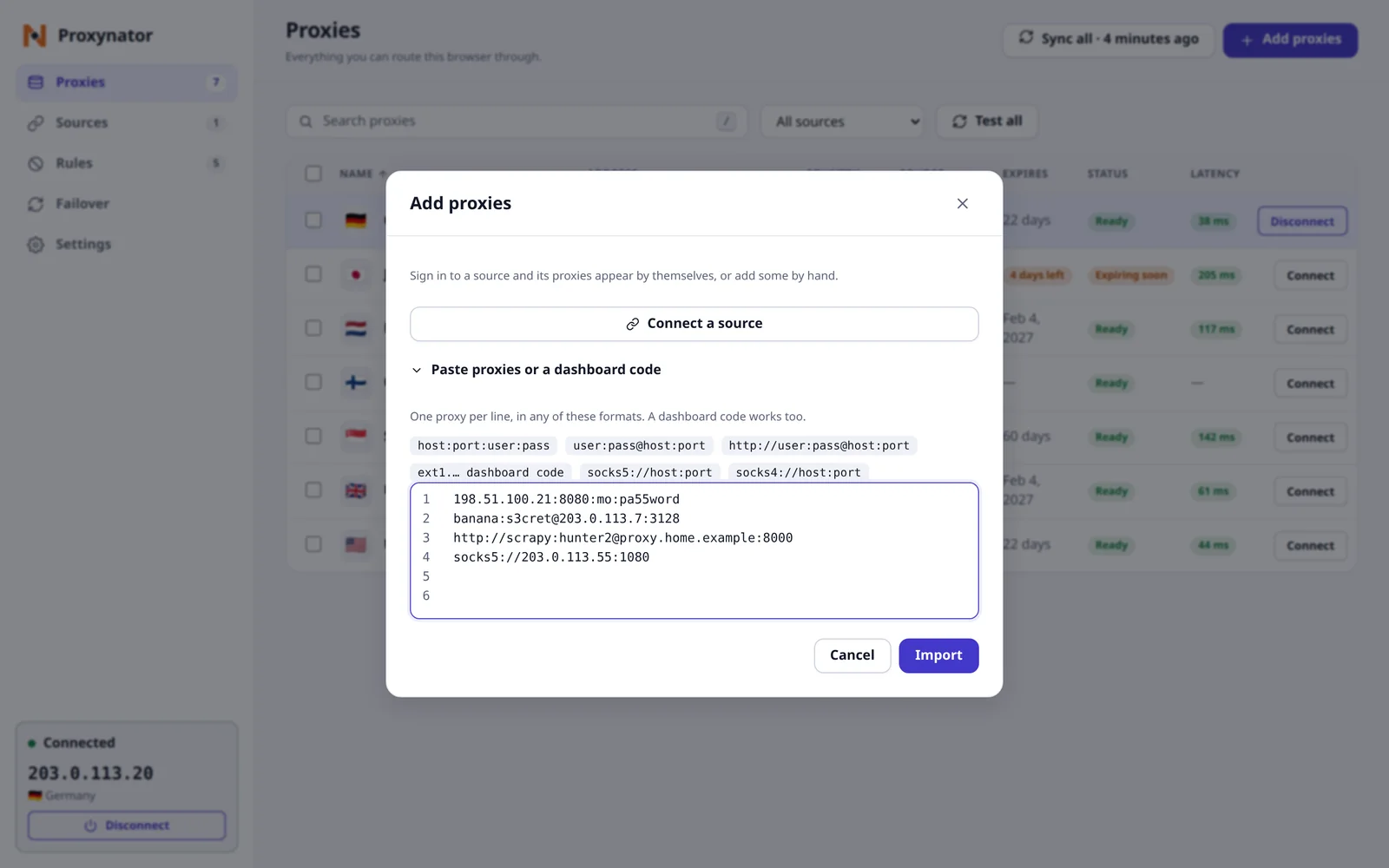
    host:port:user:pass, user:pass@host:port, a full URL, one per line. Or a dashboard code. Lines are numbered, and the one it cannot read gets pointed at.

  • The exit IP, big

    Connect and the popup shows the IP and country websites see. If the proxy refused your login or is not answering, it says that instead of pretending.

  • No password pop-ups

    Proxy logins are stored in the extension and answered for you, so the browser never throws a login box at you mid-session.

  • Only the sites you pick

    One proxy for everything, a different proxy per site, or a PAC script. Allow only flips it round: just the sites on your list go through a proxy.

  • Your bank stays direct

    Put it on the bypass list and it connects without a proxy while everything else goes through one. Bypass this site in the popup adds the one you are on.

  • Dead proxy, next proxy

    Test any proxy and see its latency. With failover on, a proxy that stops answering is swapped for the next one that passes a test.

How it works

From a pasted list to a checked IP

The toolbar popup is for switching. The manager, one click away, is where your list, your rules and your tests live.

Step by step with screenshots: the quick start. Keeping your bank direct has its own guide, and every format the paste box reads is in paste any proxy format.

  1. Install it

    The Apps & extensions page of your dashboard has the Chrome and Firefox install links.

  2. Paste, or import from the tab

    Yours from ProxyMonkey or a list from anywhere else, it is not fussy. Paste it, or open your dashboard in a signed-in tab and press Import from this tab.

  3. Click Connect

    Pick a proxy in the toolbar popup. The card goes green and shows the exit IP and its country.

  4. Decide what skips the proxy

    Add your bank and anything else that should see your real address to the bypass list. Or switch to Allow only and list just your targets.

Screenshots

Sample data shown. Linked to your ProxyMonkey account, the dark theme wears our banana. The light theme keeps the extension’s own indigo, because banana on white fails the contrast check and the extension will not use an accent you cannot read.

Connected, with the IP to prove it
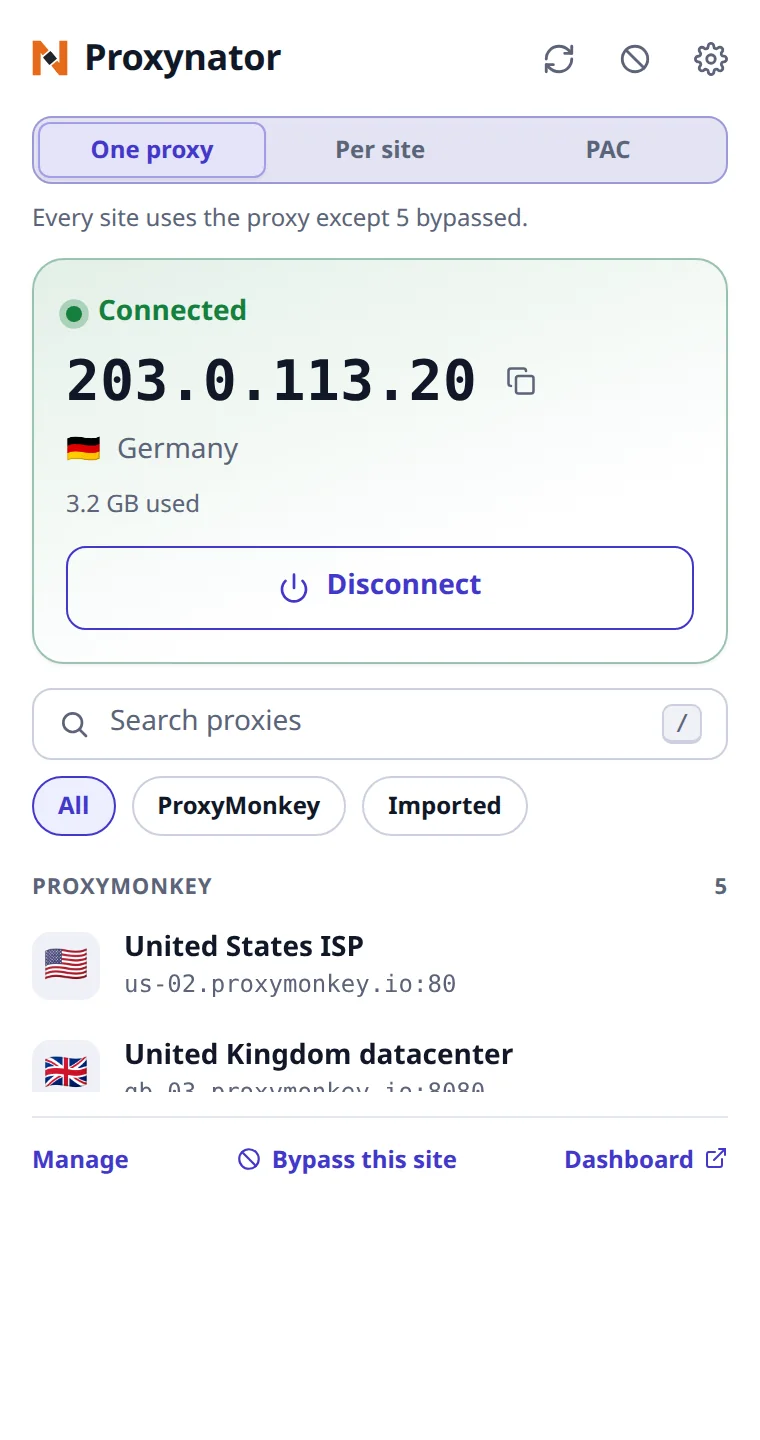
Extension popup while connected: exit IP 203.0.113.20 in large monospace, Germany, 3.2 GB used and a Disconnect button, with the routing switch set to One proxy and the proxy list below, light theme
Light
Extension popup while connected: exit IP 203.0.113.20 in large monospace, Germany, 3.2 GB used and a Disconnect button, with the routing switch set to One proxy and the proxy list below, dark theme
Dark

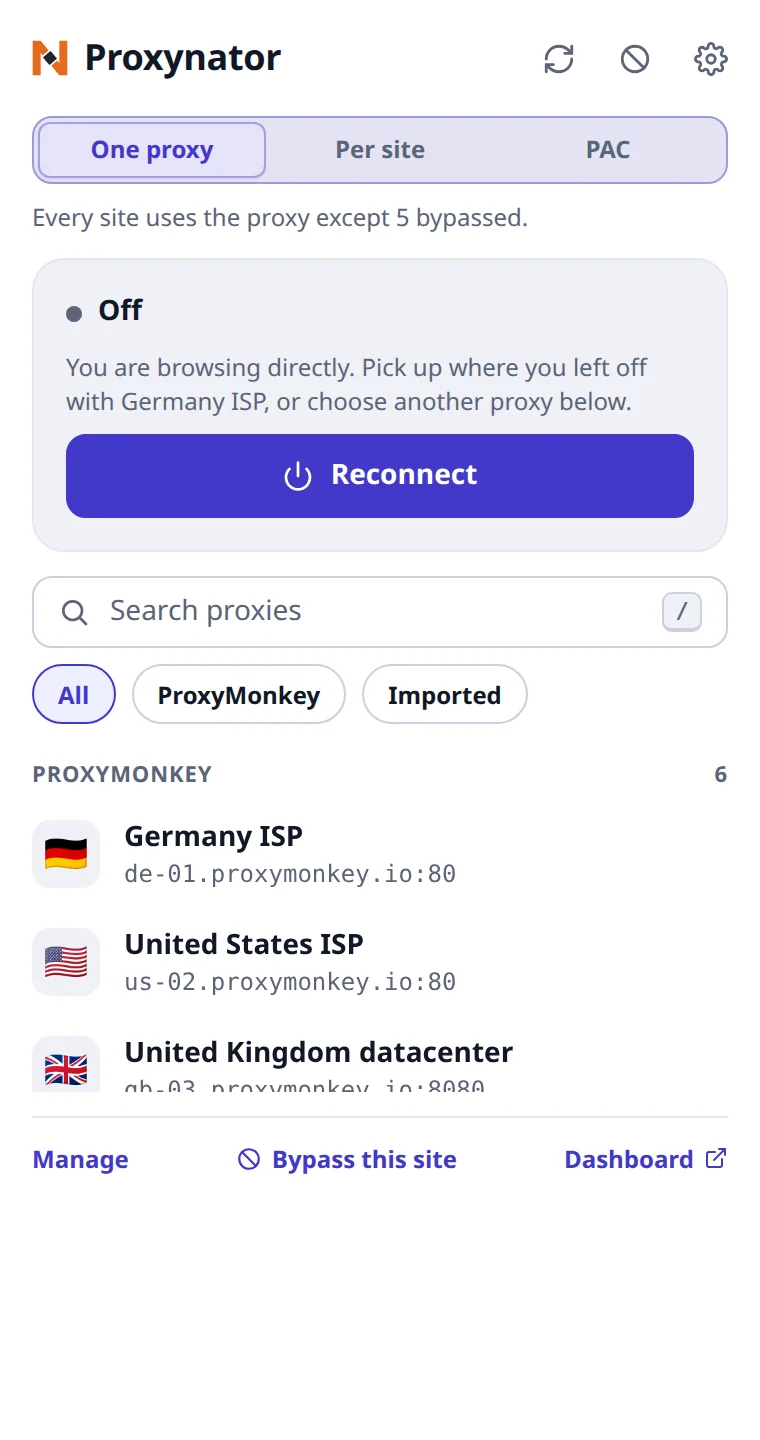
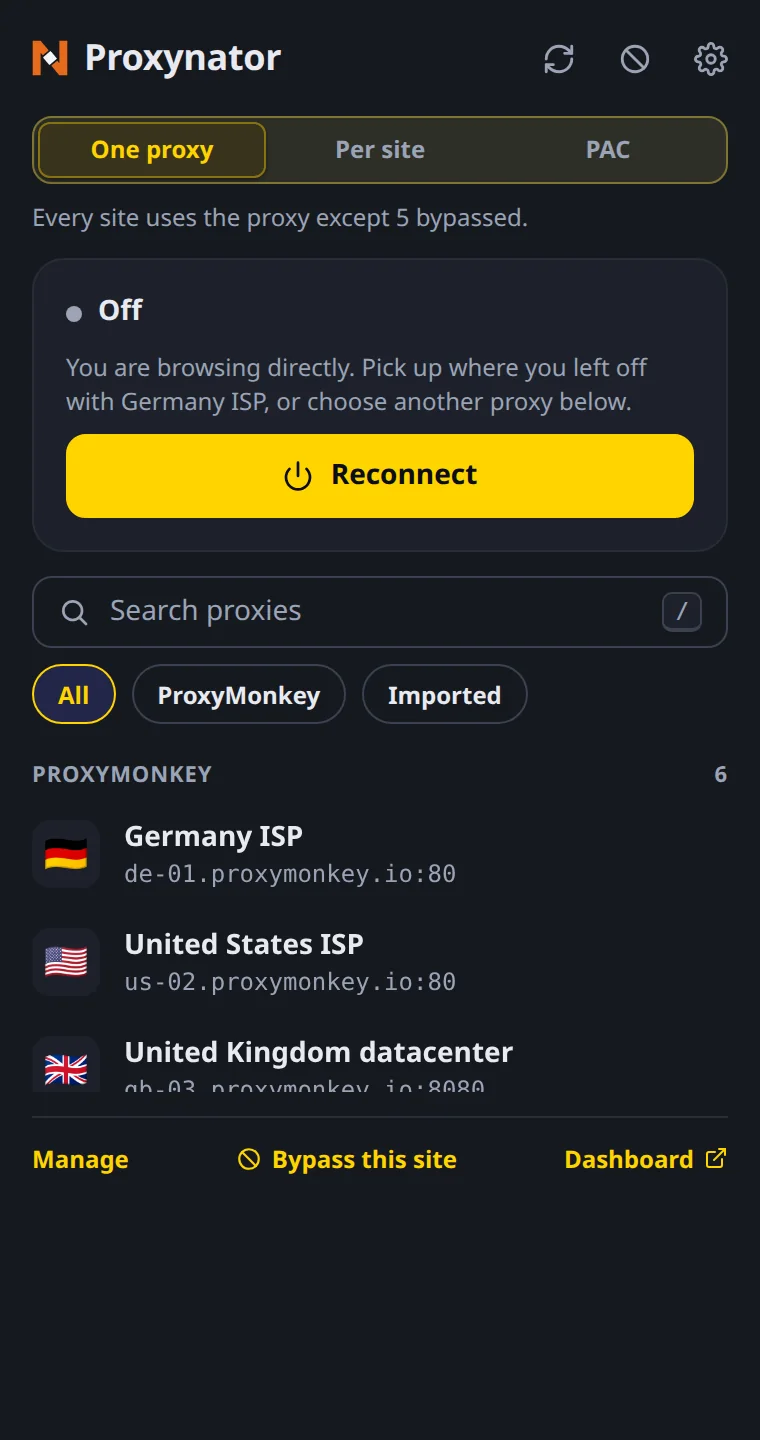
Off, and one click from back on

Extension popup while off: a Reconnect button for the last proxy, Germany ISP, above a searchable list of ProxyMonkey proxies with a flag for each country, light theme
Light
Extension popup while off: a Reconnect button for the last proxy, Germany ISP, above a searchable list of ProxyMonkey proxies with a flag for each country, dark theme
Dark

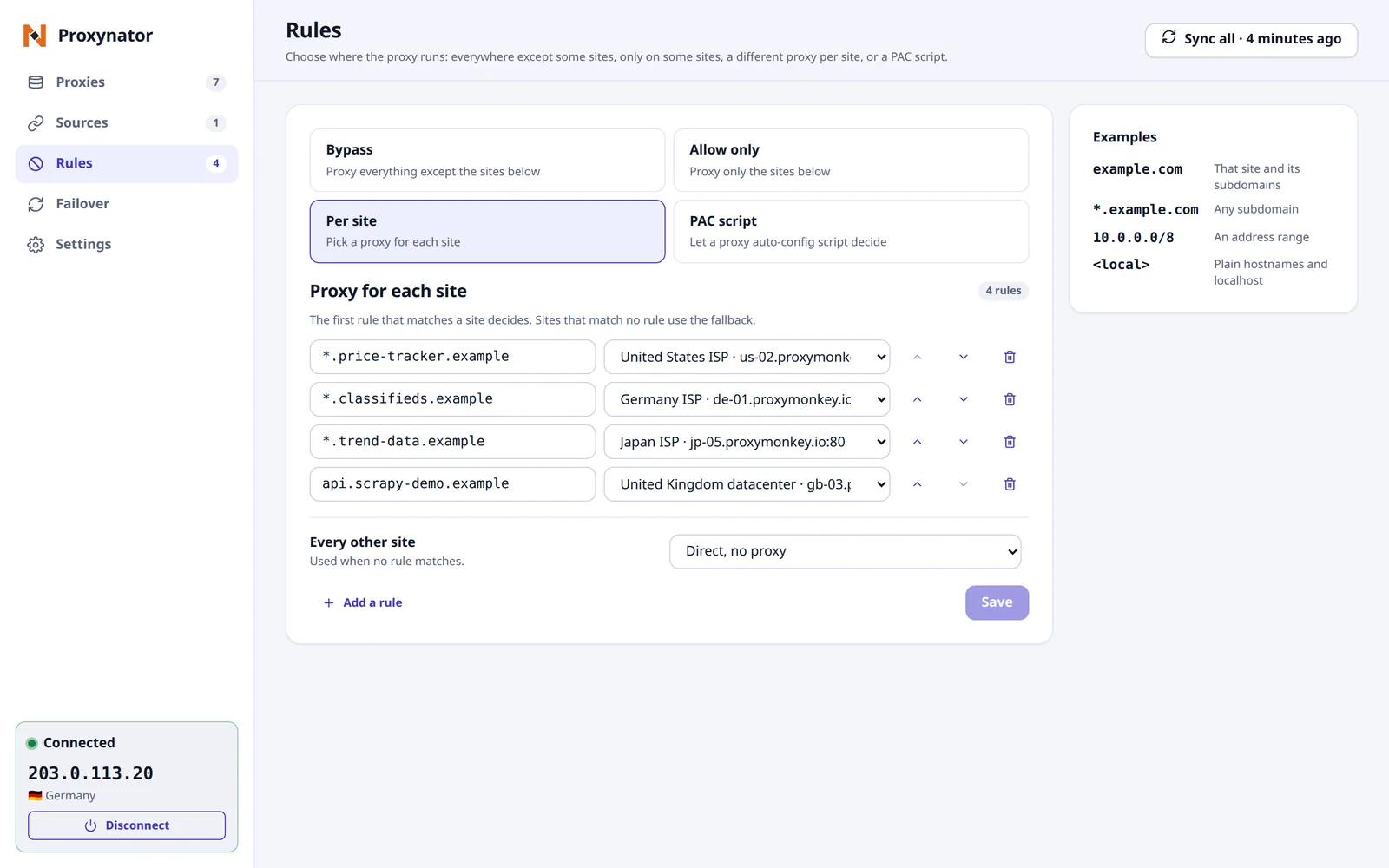
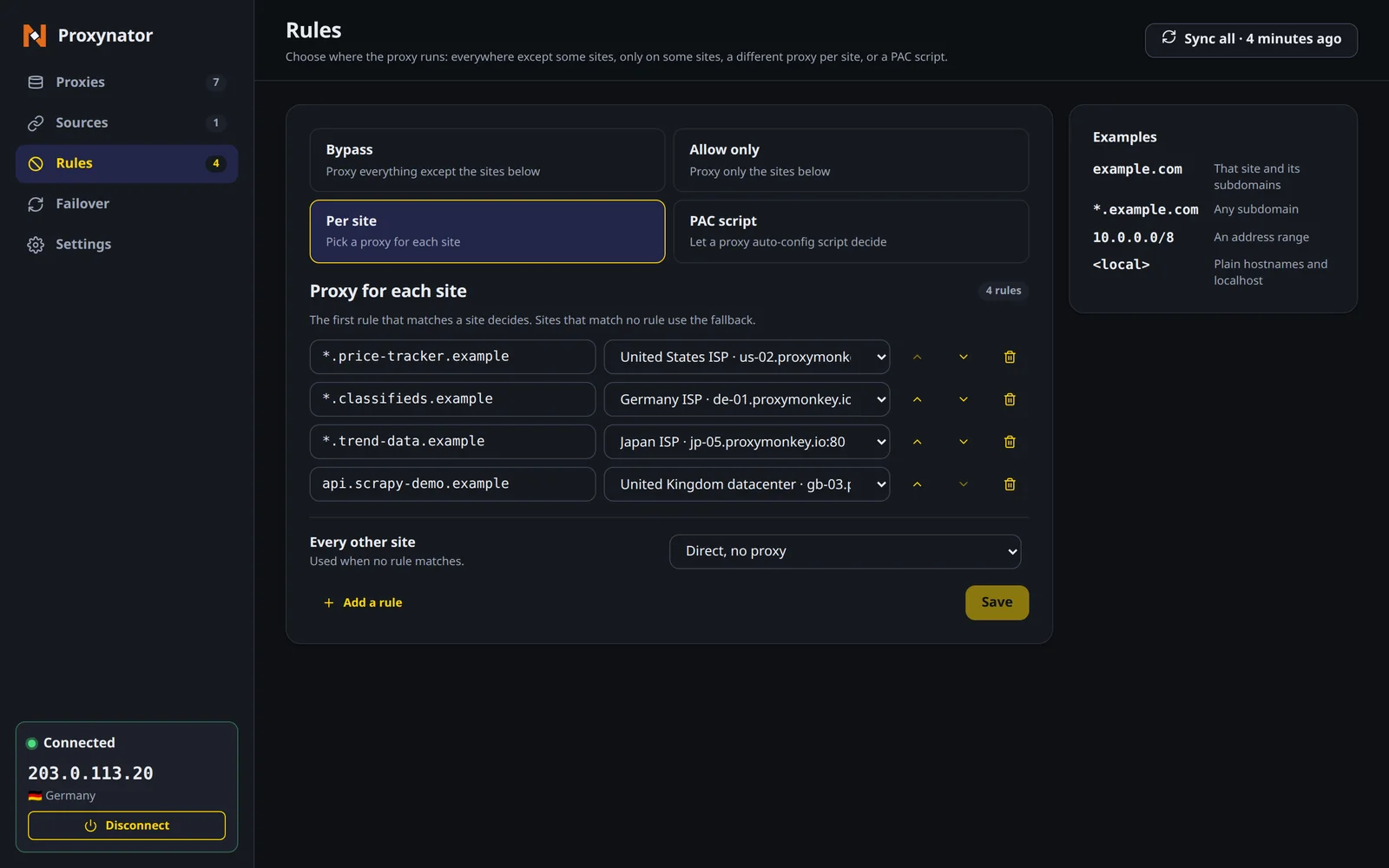
A proxy per site, the rest direct

Extension manager, Rules page: Per site chosen from Bypass, Allow only, Per site and PAC script, four rules sending *.price-tracker.example, *.classifieds.example, *.trend-data.example and api.scrapy-demo.example each to a different proxy, every other site set to Direct, no proxy, and examples of the rule syntax, light theme
Light
Extension manager, Rules page: Per site chosen from Bypass, Allow only, Per site and PAC script, four rules sending *.price-tracker.example, *.classifieds.example, *.trend-data.example and api.scrapy-demo.example each to a different proxy, every other site set to Direct, no proxy, and examples of the rule syntax, dark theme
Dark

Every proxy, tested

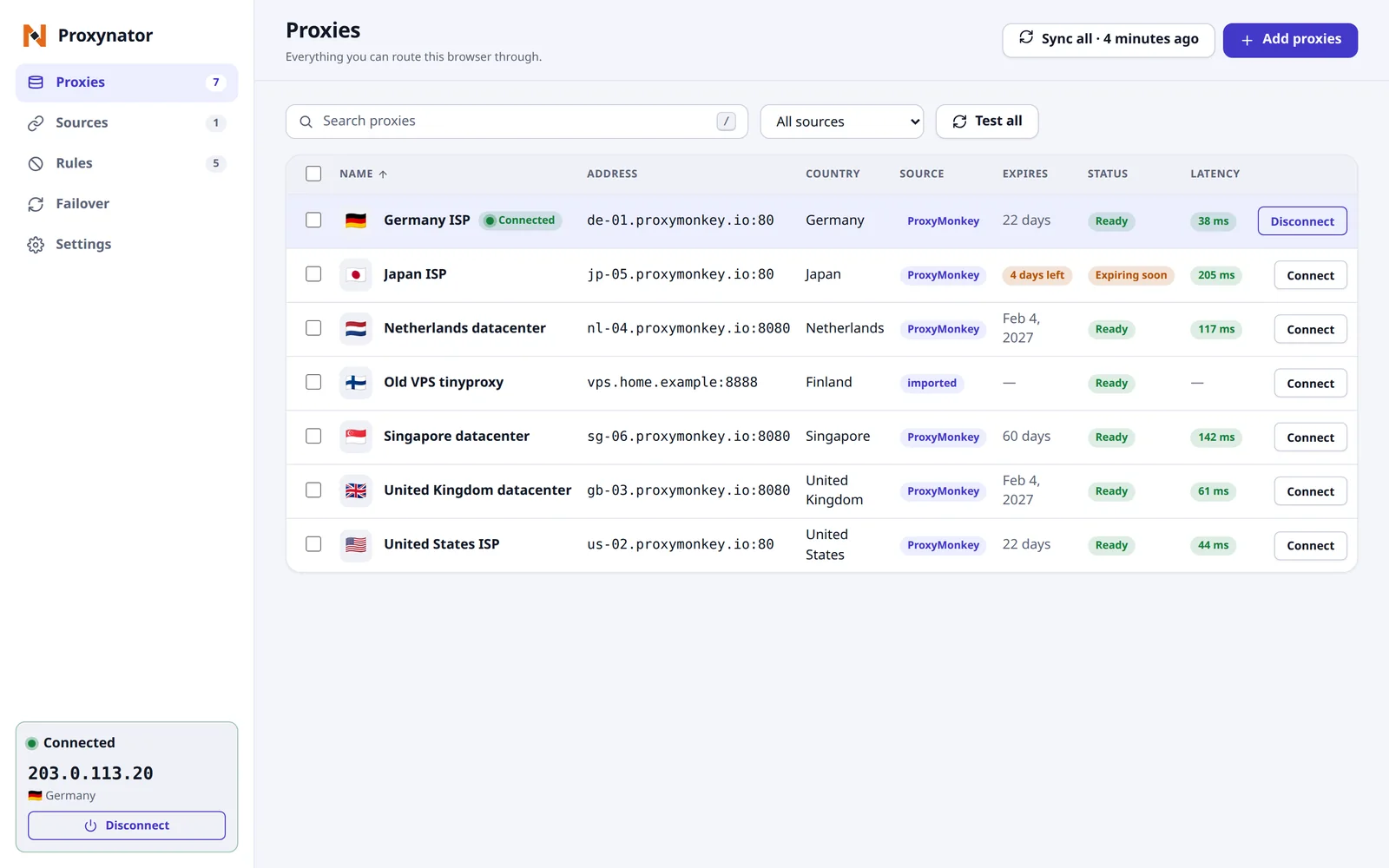
Extension manager, Proxies page: seven proxies (Germany ISP, connected; Japan ISP; Netherlands datacenter; an imported Old VPS tinyproxy; Singapore datacenter; United Kingdom datacenter; United States ISP) with address, country, source, expiry, status and latency in milliseconds, and a Test all button, light theme
Light
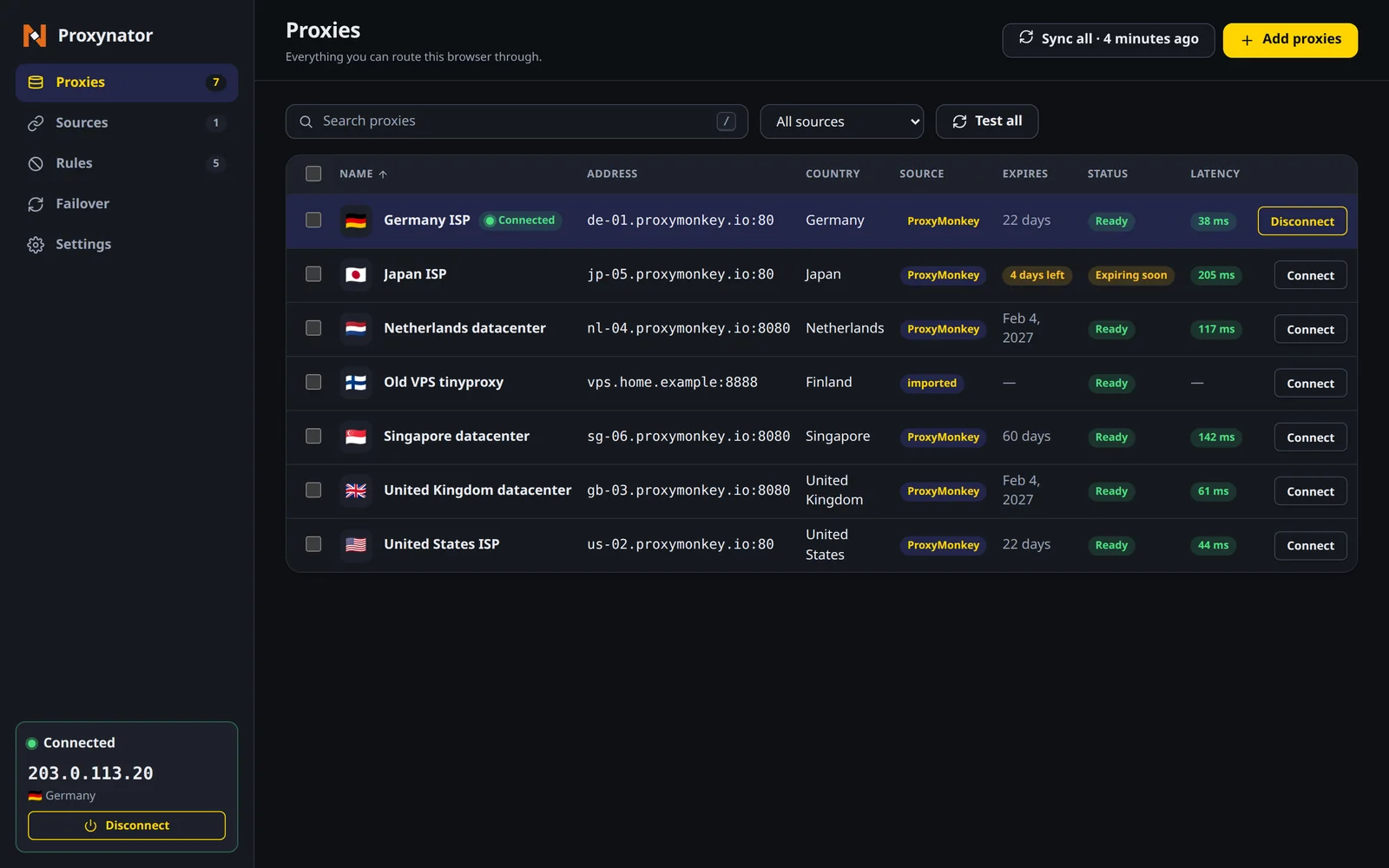
Extension manager, Proxies page: seven proxies (Germany ISP, connected; Japan ISP; Netherlands datacenter; an imported Old VPS tinyproxy; Singapore datacenter; United Kingdom datacenter; United States ISP) with address, country, source, expiry, status and latency in milliseconds, and a Test all button, dark theme
Dark

Paste it how it came

Add proxies dialog with four pasted lines in four different formats, numbered, under the list of formats it reads and an Import button, light theme
Light
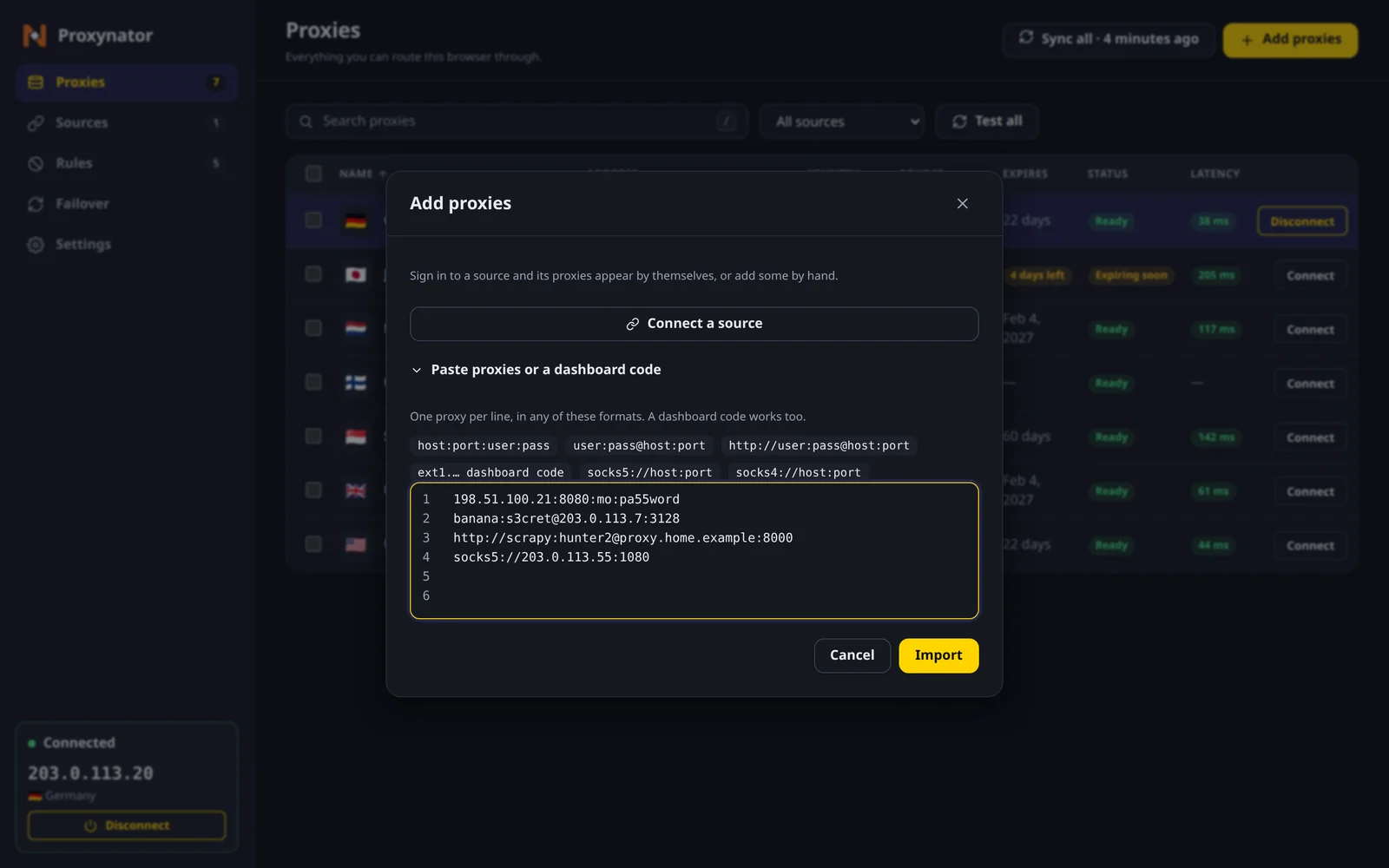
Add proxies dialog with four pasted lines in four different formats, numbered, under the list of formats it reads and an Import button, dark theme
Dark

Your account, pulled in

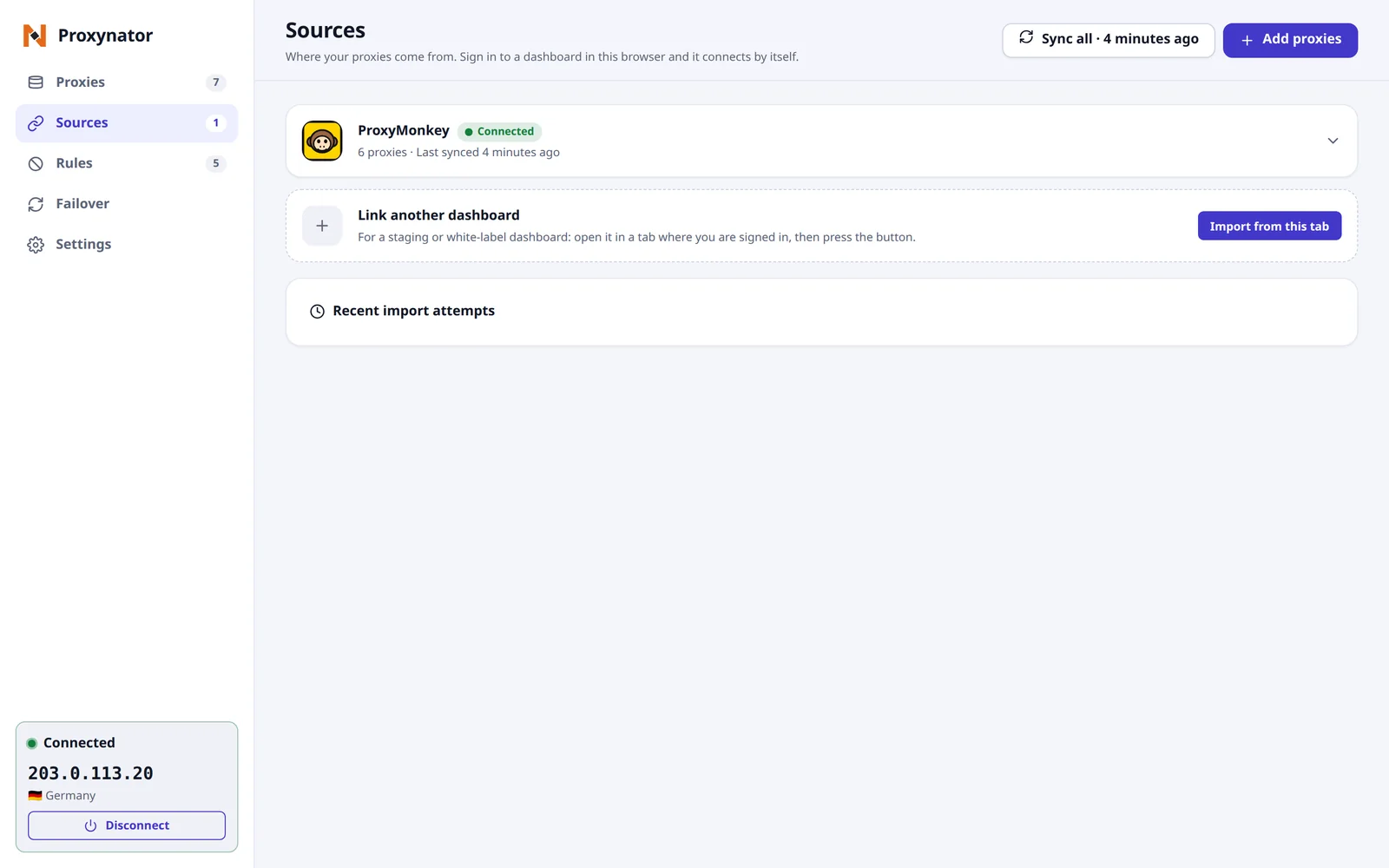
Extension manager, Sources page: a connected ProxyMonkey account with 6 proxies, last synced 4 minutes ago, and an Import from this tab button for linking another dashboard, light theme
Light
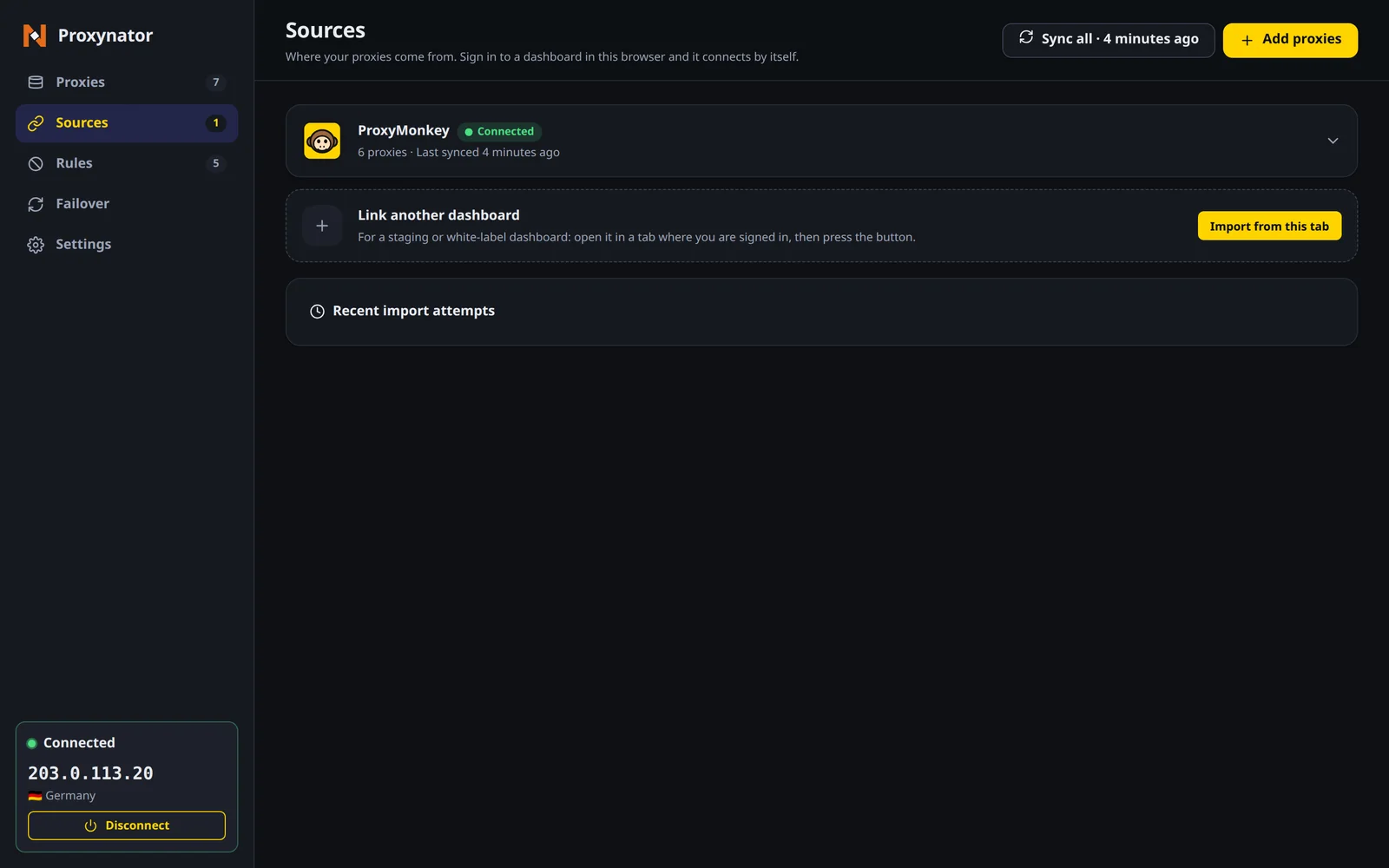
Extension manager, Sources page: a connected ProxyMonkey account with 6 proxies, last synced 4 minutes ago, and an Import from this tab button for linking another dashboard, dark theme
Dark
Said plainly

What it does not do

  • It routes this browser and nothing else. curl, your scripts and every other app on the machine are untouched.
  • Private windows need the extension allowed in them. Until then Firefox sends them direct, and Chrome Incognito can stop and ask for the proxy password.
  • A captcha page that answers 200 looks like a success, so switch-on-block does not see it.
  • On a rotating gateway, a switch can leave you on the same exit IP.

Need every app on the machine behind a proxy, not just the browser? That is ProxyDesk.

Straight answers

The questions worth asking

Where do I get it?

From the Chrome Web Store or Firefox Add-ons, with the buttons on this page. Out now for Chrome and Firefox. The same install links also sit on the Apps & extensions page of your dashboard. No account yet? Make one first; the extension needs proxies to be any use.

Does it only work with ProxyMonkey proxies?

No. Paste a list from any provider, or link a supported provider with its API key. Your ProxyMonkey proxies come in with one button from a dashboard tab where you are signed in.

Does everything go through the proxy?

Only if you want it to. One proxy covers every site except your bypass list. Allow only turns that round, so just the listed sites use it. Per site picks a proxy for each site, and anything that matches no rule goes wherever you set the fallback, direct included.

Can it stop WebRTC leaking my real IP?

Yes, if you switch on WebRTC leak protection in Settings. It stops the browser sending your real address over WebRTC while a proxy is on. It is off until you turn it on, because it needs one extra browser permission.

What does it collect?

No ads, no tracking, and no extra account to make. Anonymous usage statistics are off unless you switch them on. Your proxies and logins stay on your device and go only to the proxies and dashboard you set up.

Why does it have a different name in my browser?

The extension shows as Proxynator. It works with any provider’s proxies, not just ours, so it carries its own name. The interface comes in English and Simplified Chinese, light and dark.

Grab it, then paste your list

Out now for Chrome and Firefox. The same install links also sit on the Apps & extensions page of your dashboard. No account yet? Make one, bring a list, click Connect.

Join the Discord4,200+ monkeys, free to lurk